
How Websites Work: From Code to Browser
Techolas Blogs
Every day we visit websites — from shopping on Amazon to scrolling through social media. But have you ever wondered: What really happens when you type a web address into your browser and hit Enter? Behind the scenes, a fascinating process turns lines of code into the colorful, interactive web pages we see on our screens.
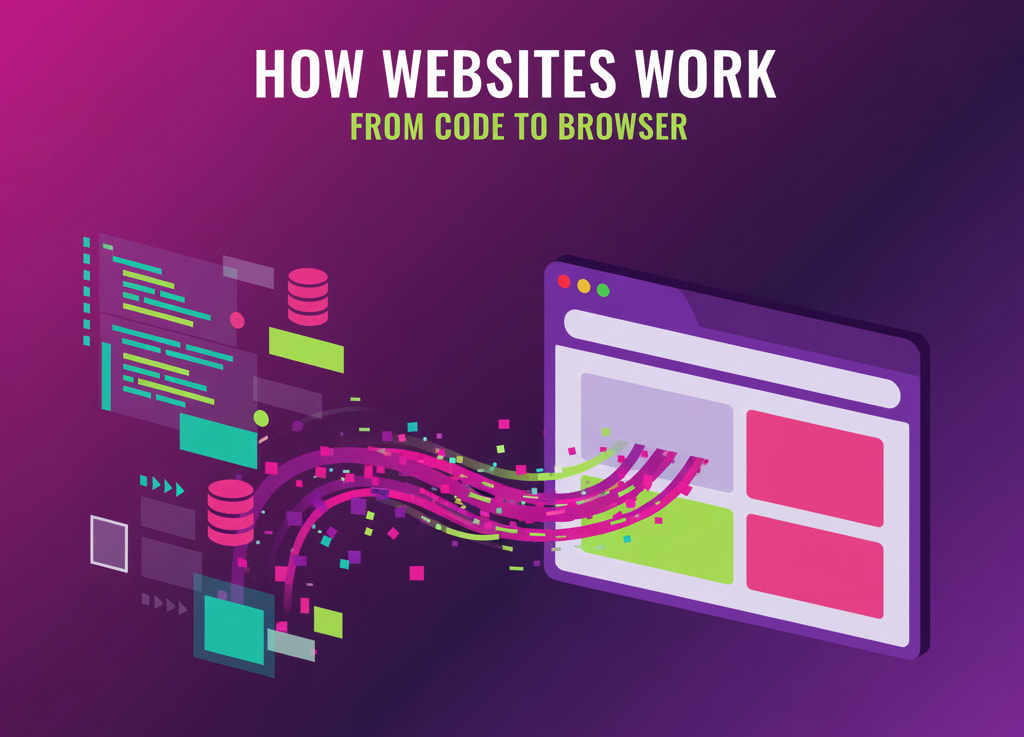
Step 1: Entering the Website Address
When you type a URL like www.example.com into your browser, it doesn’t know where that site is right away. The request first goes to a Domain Name System (DNS) server, which acts like the internet’s phonebook. It translates the name into an IP address (like 192.168.1.1) so your computer can find the server.
Step 2: Connecting to the Web Server
Once the IP address is found, your browser sends a request to the web server where the website’s files live. Think of the server as a giant storage room that holds the website’s code, images, and data.
Step 3: Fetching the Code
The server sends back files written in HTML, CSS, and JavaScript:
HTML (HyperText Markup Language) → Provides the structure of the page (headings, text, images).
CSS (Cascading Style Sheets) → Adds design and style (colors, fonts, layouts).
JavaScript → Brings the page to life (animations, forms, interactive buttons).
Step 4: Rendering in the Browser
Your browser (Chrome, Firefox, Safari, etc.) reads these files and renders them into a webpage you can see and interact with. It builds a Document Object Model (DOM) — like a family tree of all page elements — and applies styles and scripts to it.
Step 5: Displaying the Website
Finally, your screen shows the complete website: text, images, videos, and interactive features. All of this happens in fractions of a second!
Advantages of Understanding This Process
Foundation for Learning Web Development – Knowing how websites work makes coding easier.
Problem Solving – Helps debug issues like slow loading or broken designs.
Career Skills – Every aspiring web developer or designer must master these basics.
Confidence in Tech – You won’t just use the internet, you’ll understand it.
Websites may look simple on the surface, but behind every click is a series of steps involving servers, code, and browsers working together. By learning these basics, you’re taking your first step into web development — turning from a casual internet user into a creator of the web.
Connect with Us
Follow Us
Subscribe us to join our community

%202-Bd5nFBbF.png)
© Techolas Kochi. All rights reserved. Developed by Techolas.